
The preparation notebook / 02
Turn your NCERT chapter into tomorrow’s maths lesson.
40 minutes. Three activities. An actual plan from a saved book.
Follow the real workflow for Class 11 Mathematics, Chapter 1: Sets. Choose the opening pages, generate a lesson, add classroom activities and take a printable plan to class.
Free teacher PDF · No sign-in needed to download · Class 11 Maths
Card sort · Roster form race · Match the forms
01 / Follow the screenshots
How to create a maths lesson plan from your saved NCERT book
This walkthrough uses a real signed-in session and its generated lesson plan. The source is the saved English Class 11 Mathematics book, Chapter 1: Sets. We chose chapter pages 1–4, which introduce sets and their representations.
1. Choose your saved book and chapter
Open Lesson Plan and select From my books. In Book, choose Class 11 · Mathematics — Mathematics. In Chapter, choose Chapter 1. Open the page previews to confirm that the chapter is Sets; match the book and edition your students use.

2. Select pages for one period
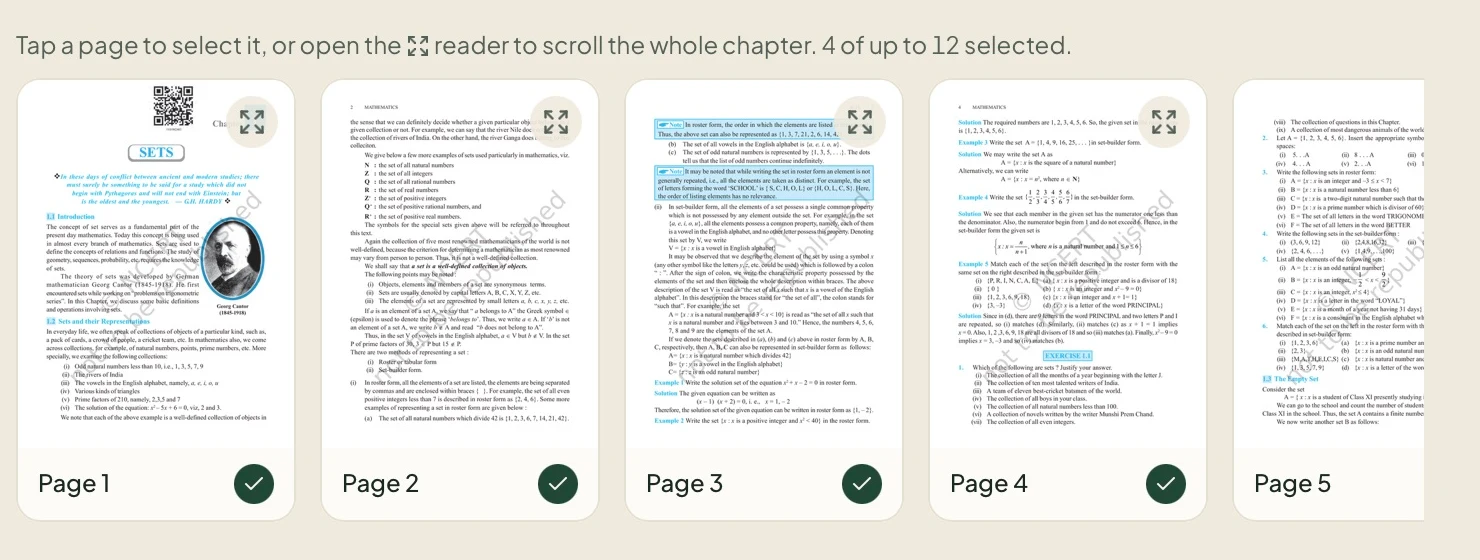
Select pages 1, 2, 3 and 4. A green tick marks each included page. These opening pages give us a focused lesson on well-defined collections, roster form and set-builder form. Avoid selecting the whole chapter for one introductory period.
The page numbers here are the numbers shown in the chapter previews. Use the expand icon on a thumbnail to read a page before including it. The app displays your account’s current page-selection limit.
3. Set 40 minutes and Interactive
Expand Tune lesson plan options. Choose 40 minutes for the duration and Interactive for the teaching style, then select Generate. The settings request a lesson for one period; review the resulting timings yourself.

4. Add activities and checks to the real draft
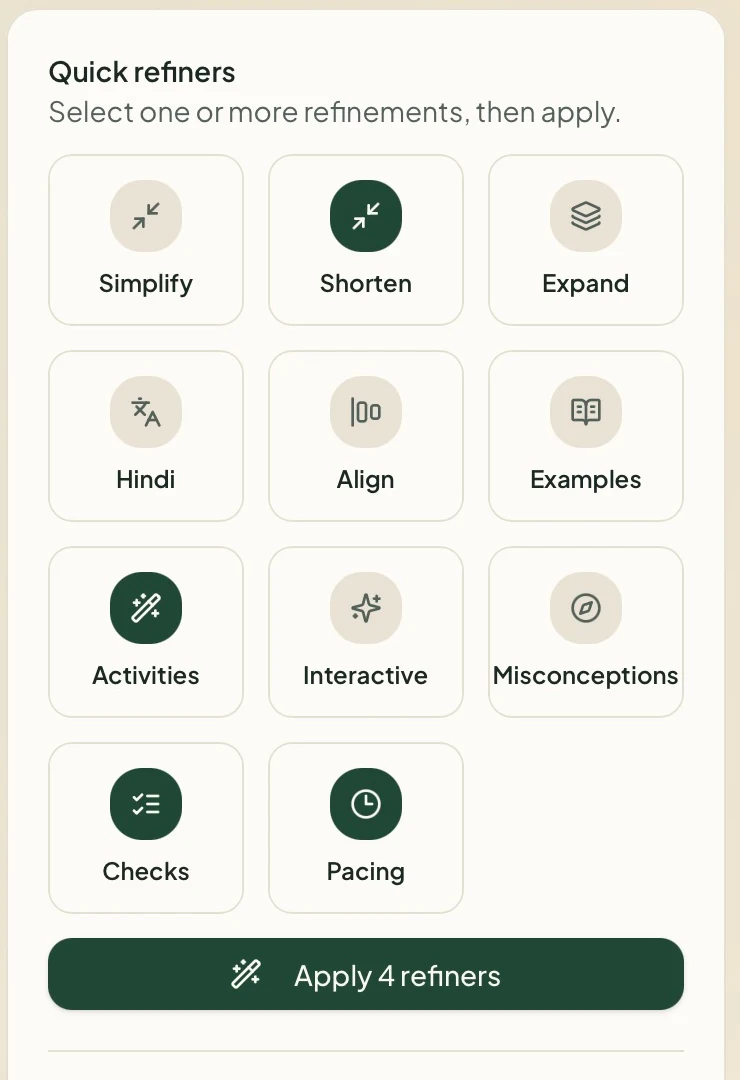
The draft opens in the workspace. Read its outcomes and teaching sequence, then use Quick refiners to adapt it. For this example, we selected Activities, Checks, Pacing and Shorten, then chose Apply 4 refiners.
5. Review Version 2, then export
Our revised plan covers Introduction to Sets and their Representations, with five stages totalling 40 minutes. Check the examples, preparation needed for the activities and mathematical notation. Once satisfied, choose Export PDF and inspect the downloaded file before printing.
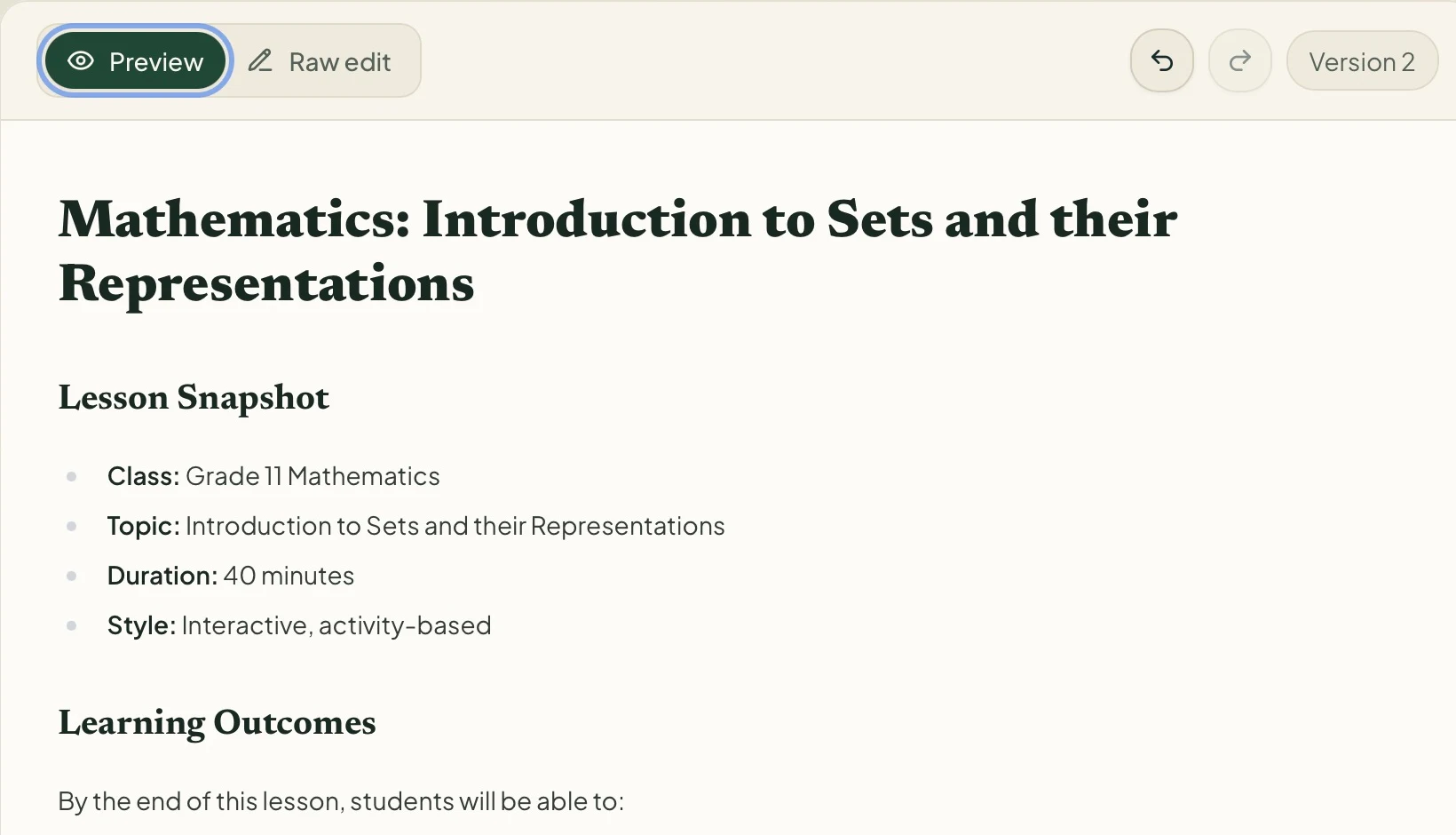

The free PDF on this page retains that generated plan’s teaching content, with formatting adjusted for print. Your generated wording and activities may differ.
02 / What came out
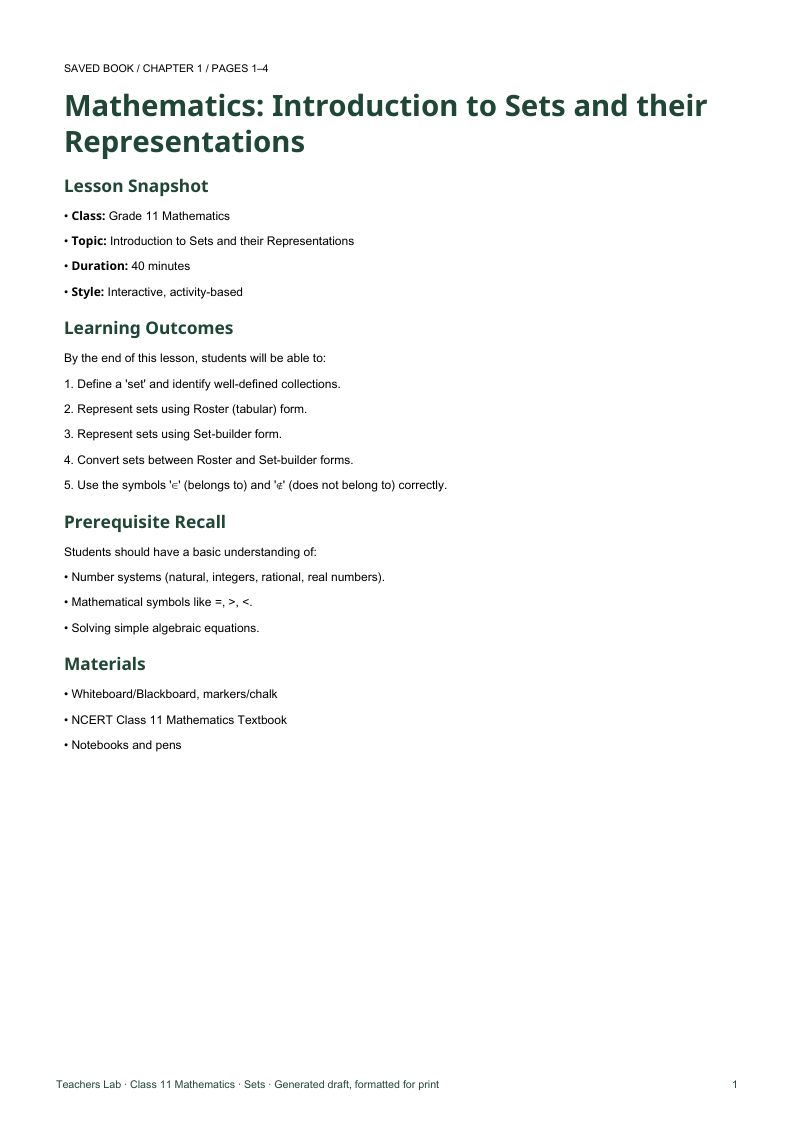
The actual Class 11 Sets lesson plan: 40 minutes
The generated plan begins with familiar collections, introduces membership symbols, then moves from listing elements to describing their common property. This is an introductory lesson, rather than coverage of the entire Sets chapter.
- Define a set and identify well-defined collections.
- Represent sets in roster and set-builder form.
- Convert between the two representations.
- Use ∈ and ∉ correctly.
Before class: prepare 5–7 card-sort statements and a short matching task. The plan uses a board, notebooks and the textbook. It assumes familiarity with number systems and simple algebraic equations.
- 0–5 min
Everyday collections + card sort
Teacher: Ask what makes a collection clear and unambiguous. Give pairs statements to sort into Set and Not a Set.
Students: Sort the statements and explain the rule used.
- 5–12 min
Define sets and elements
Teacher: Introduce well-defined collections, elements, ∈ and ∉. Check membership using prime numbers less than 10.
Students: Decide whether 7 and 9 belong to the set and write the correct symbols.
- 12–20 min
Roster form race
Teacher: Model curly braces and commas. Ask small teams to list the factors of 12. Discuss order and repetition.
Students: Write {1, 2, 3, 4, 6, 12}. Explain why SCHOOL has only one O in its set of letters.
- 20–32 min
Set-builder form + matching
Teacher: Explain the common property and ‘such that’. Model both directions, then give a matching task with shuffled representations.
Students: Match equivalent forms and convert {x : x is an integer and x² = 4} to {−2, 2}.
- 32–40 min
Consolidate and check
Teacher: Revisit well-defined collections and both representations. Ask for multiples of 5 below 100 in both forms; assign textbook practice.
Students: Write {5, 10, 15, …, 95} and describe the same set using a condition.
A shortened reading of the actual generated Version 2. Download the PDF for its full prompts, examples and misconceptions. This is a Teachers Lab draft, not an official NCERT or CBSE lesson plan.
03 / Put it into practice
Three activities from the generated lesson
“Is it a Set?” card sort
Give pairs statements such as “months beginning with J” and “the five best books in the library”. Ask them to sort into Set or Not a Set and explain their rule. The first collection has a clear criterion; “best” depends on opinion.
Roster form race
Ask small teams to list the factors of 12: {1, 2, 3, 4, 6, 12}. Follow with the letters of SCHOOL. The roster should include O once: {S, C, H, O, L}. Discuss why order and repeated entries do not change a set.
Match the forms
The plan asks for a two-column matching task with shuffled representations. These ready-to-copy pairs expand that instruction; shuffle the right column before giving it to students.
| Roster form | Equivalent set-builder form |
|---|---|
| {a, e, i, o, u} | {x : x is a vowel in the English alphabet} |
| {1, 2, 3, 4, 5} | {x : x is a positive integer and x < 6} |
| {−2, 2} | {x : x is an integer and x² = 4} |
Use the plan’s final challenge: write positive multiples of 5 below 100 in both forms. Expect {5, 10, 15, …, 95} and a condition such as {x : x is a positive integer, x < 100 and x is a multiple of 5}. Ask for an individual notebook response to see who can make the conversion.
04 / Before the bell
Check the plan against your classroom
- Source: confirm the selected chapter pages match the intended lesson.
- Timing: 5 + 7 + 8 + 12 + 8 = 40 minutes. The opening card sort needs prepared materials; reduce its examples if discussion runs long.
- Maths: check set membership, repeated elements and both roots of x² = 4. State that natural numbers start at 1 in this example, or write “positive integers” explicitly.
- Readiness: the quadratic checkpoint x² + x − 6 = 0 requires factorisation. Replace it with a simpler conversion if students need more practice with the notation.
- Print: inspect ∈, ∉, braces and superscripts in the exported PDF.
For more examples of linking teaching to assessment, see CBSE’s teacher resources. For follow-up practice, use our guide to creating a chapter-based worksheet with answers.
05 / Quick answers
Common questions
Can I teach the whole Sets chapter in 40 minutes?
This plan introduces well-defined sets, elements, roster form and set-builder form. Reserve later periods for the remaining concepts in your school’s book and scheme of work.
How do I create a lesson plan from saved NCERT books?
Sign in, open Lesson Plan and choose From my books. Select your saved book, chapter and relevant pages. Set the duration and teaching style, then generate and review the draft. If a book is missing, add it to your classroom first.
Are these screenshots from a real generated lesson plan?
Yes. We used the saved English Class 11 Mathematics book, Chapter 1 Sets, pages 1–4. We generated a draft and applied Activities, Checks, Pacing and Shorten together. The screenshots show that workflow and the resulting Version 2.
Can I download the lesson plan without an account?
Yes. The PDF is public. It retains the actual generated teaching content, with formatting adjusted for print. Sign in to create or refine your own plan; generation follows your account’s usage limits.
Your next period
Start with the chapter you already teach.
Choose the pages, set the period length and adapt the generated lesson for your students.
Create a lesson planSign-in required · Generation follows your account’s usage limits